Learn PowerPoint once and for all!
The PowerPoint course with everything you need to create professional slides. From beginner to advanced, no complications, with design techniques.
- More than 70 lessons across 6 complete modules
- 1 year of access — study at your own pace
- Template Pack + O Melhor PDF do Mundo as a bonus
- 7-day guarantee — zero risk
What is the PPT de uma Vez course?
PPT de uma Vez is the online PowerPoint course by Ana Freire, the Rainha do PPT (Queen of PPT). Across 6 modules and 70+ video lessons, you learn from beginner to advanced how to create professional presentations: slide design, PowerPoint features, content structure and presentations for every context.
- Format
- Online, recorded lessons
- Content
- 6 modules · 70+ lessons
- Level
- Beginner to advanced
- Certificate
- Yes, 30 hours
- Access
- 1 year
- Guarantee
- 7 days
Is this course for you?
See if PPT de uma Vez fits where you are right now.
This course is for you if…
- Wants to impress in professional presentations — whether for work, sales, or college.
- Is tired of amateur slides and wants to deliver material that conveys authority.
- Wants to save hours every time they need to build a presentation from scratch.
- Dreams of monetizing their PowerPoint knowledge — freelancing, an agency, or courses.
- Is a beginner or advanced user who wants to truly master the tool, from design to content.
It might not be for you if…
- Thinks a slide is "just something you throw together" and doesn't see the value in communicating well.
- Doesn't plan to dedicate even 1 hour a week to studying the material.
- Is looking for a magic solution without having to get hands-on.
- Doesn't have access to PowerPoint or Microsoft 365.
- Is already a senior professional designer and has mastered all the advanced technical aspects.
From design to presentation.
More than a PowerPoint course — a complete education in professional visual communication.
Professional design
Visual principles that make any slide look designer-made — hierarchy, spacing, color and typography.
PowerPoint mastery
Features nobody taught you, shortcuts, advanced tools and productivity techniques.
Content that communicates
How to structure your message before opening the software — narrative, storytelling and clarity.
High-impact presentations
Techniques for pitches, sales, board meetings, training and events — the right slide for every context.
Guided practice
Building slides hands-on, step by step — from a blank file to a finished presentation.
Beyond presentations
Infographics, reports, handouts, e-books and media kits — PowerPoint as a creative tool.
6 modules. +70 lessons.
Content organized to take you from basics to advanced, at your own pace, with 1 year of access.
- Welcome [DON'T SKIP!]
- Course tour
- Schedule
- New lesson requests
- Feedback and testimonials
- Introduction
- Does design matter?
- Design fundamentals
- All about color
- How to combine colors
- Color names
- How to build your color palette
- All about fonts
- Type classification
- The feel of fonts
- How to choose the right font
- Font pairing
- Installing fonts
- Slide master and base file
- Creating with references
- Introduction
- File tab
- Home tab
- Insert tab
- Design tab
- Transitions tab
- Animations tab
- Slide Show tab
- Review tab
- View tab
- Hidden tabs
- Shortcuts
- Introduction
- Cover
- Quote
- Back cover
- Schedule
- Dashboard
- BONUS — Dashboard in Excel (Gui Simas)
- Diagram / Flowchart
- Chart
- Icons
- Images
- Table of contents
- Infographic
- Timeline
- Map
- Numbers
- Org chart
- Step by step
- Section divider
- Table
- Text
- Video
- Introduction
- Synthesis
- Script
- How to START a presentation?
- How NOT to START a presentation?
- How to END a presentation?
- What NOT TO DO in a presentation?
- Public speaking (Fabiana Iser)
- Public speaking for sales (Giovanni Begossi)
- Board presentation
- Sales proposal and sales deck
- Investor pitch
- Academic and thesis presentations
- Infographics and visual reports
- Handouts and study materials
- E-books and sales materials
- Media kit and portfolio
And you still get all of this as a gift.
Four high-value bonuses included in the course, at no extra cost.
Complete Template Pack
Access to the entire template library from the Rainha do PPT Store — business proposals, dashboards, pitch decks, personal presentations, and much more. +50 editable templates for you to use whenever you want.
Included in the courseO Melhor PDF do Mundo!
A special workshop on how to create professional PDFs that sell — layout, design, strategy, and export. Extra material that can change the way you present any information.
Included in the courseFaturando com PPT
Learn how to turn your PowerPoint knowledge into income. Monetization models, how to sell slides to companies, pricing, proposals, and how to build authority in the field.
Included in the coursePPT para Redes Sociais
How to use PowerPoint to create Instagram carousels, videos, ebooks, stories, and personal branding materials. Turn PowerPoint into a complete digital content creation tool.
Included in the courseLearn from guest experts too.
Besides Ana's lessons, the course also features guests who are references in their fields — all included in your access.
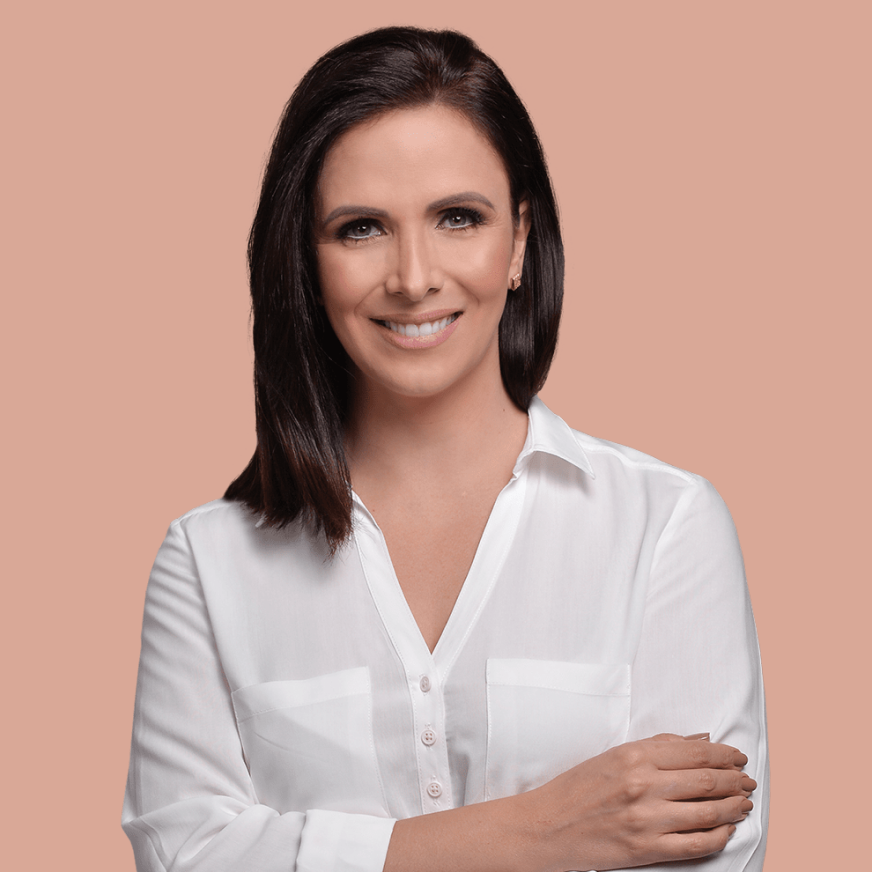
Fabiana Iser
Especialista em OratóriaEspecialista em comunicação e oratória, Fabiana ensina como falar com confiança, presença e impacto na hora de apresentar — técnicas que vão muito além dos slides.

Giovanni Begossi
Especialista em VendasReferência em vendas consultivas, Giovanni traz os segredos da comunicação persuasiva e de como usar sua apresentação para fechar negócios e conquistar clientes.

Guilherme Simas
Professor de ExcelProfessor de Excel e especialista em dados, Guilherme ensina como criar dashboards profissionais no Excel e integrá-los com o PowerPoint para apresentações de resultados impecáveis.



Ana Freire, the Rainha do PPT.
She has worked in the professional presentations market for over 15 years. In that time, she has created slides that helped close deals worth 10, 20, and even 30 million reais — one of them to sell a 100-million business.
Today, leading the agency FFX Digital and the brand Rainha do PPT, she has already trained more than 5,000 students who have transformed the way they communicate professionally.
"A slide isn't just something you throw together. It's your message taking shape. And that's why it deserves every bit of care."
— Ana Freire+5,000 students. Real stories.
See what students who've taken PPT de uma Vez have to say.
"O melhor treinamento da vida! Slides belíssimos, profissionais e de impacto. Facilitou muito o meu trabalho porque não sabia absolutamente nada de PowerPoint e agora sou elogiada. Muito obrigada por compartilhar o seu conhecimento."
"Todas as aulas deste módulo foram boas. Mas a de "Criando com Referências" foi sensacional. Já estou praticando aqui e feliz por ter mais módulos para assistir."
"Ana, além do design, aprendi muito com sua didática. Parabéns! Você é fantástica. Muito obrigada!"
"QUE AULA, SENHORES! É surreal que algo tão simples como transição de slides tenha tantas aplicações. Estou com a mente borbulhando de ideias."
"Hoje cobro R$ 500 por apresentação que faço como freela. Não é só um curso — é um caminho para mudar de vida."
"Minha empresa começou a me chamar para apresentar projetos só porque viram meus slides. O ROI do curso foi imediato."
Buy with total peace of mind.
You have a full 7 days to access all the content, watch the lessons, and decide if PPT de uma Vez is for you. If it's not, just send an email and we'll refund 100% of your investment. No questions, no red tape.
All of this for
less than you imagine.
PPT de uma Vez + 4 exclusive bonuses.
- Full course — 6 modules, +70 lessons, +30h of content
- Editable .pptx files for every lesson
- Full Template Pack — bonus
- O Melhor PDF do Mundo! — bonus
- Faturando com PPT — bonus
- PPT para Redes Sociais — bonus
- Exclusive student group with support
- Certificate of completion — +30h
- 1 year of access to the full content
- Unconditional 7-day guarantee
Your questions answered.
Today is the best day to change how you present.
Your next presentation could be the one that changes the game. Start now — and never again deliver slides that don't represent you.
I want to secure my spot